Gear sets
Save two sets of weapon, armour, cloak, rings, amulets and mount, and change everything with one tap of SET. How to save a set, what the marks on the button mean, the 2-second wait and when a switch is refused.
A gear set is a saved outfit of up to 13 parts: weapon, shield, the five armour parts, cloak, two rings, two amulets and a mount. Save two sets, then a tap of SET puts the other one on, every part in one step. Use it to swap a bow for a sword, a hunting set for a war set, or to put your mount on with the rest.
What a set holds
| Part | Slots |
|---|---|
| Weapon | 1 |
| Shield | 1 |
| Armour: upper, lower, gloves, shoes, helmet | 5 |
| Cloak | 1 |
| Rings | 2 |
| Amulets | 2 |
| Mount | 1 |
| All | 13 |
An empty slot means "leave what is worn". A set with only a weapon in it changes only the weapon.
Save a set
- Open the Character page. Press I (or Ctrl+I) and go to Equipment.
- Press Save as Set 1 (or Save as Set 2) under the figure. The set editor opens.
- Fill the slots. Click items in your bag to put them in slots, or press Copy what I wear to take everything you have on.
- Press Save Set 1 and confirm with OK. A line under the bag lists what the set holds. The SET button's number turns gold.
With no set saved, SET shows "-" and a tap tells you where to save one:
Shown in the gameSave a set first: Character (I) > Equipment > Save as Set 1 / Save as Set 2.
Use it
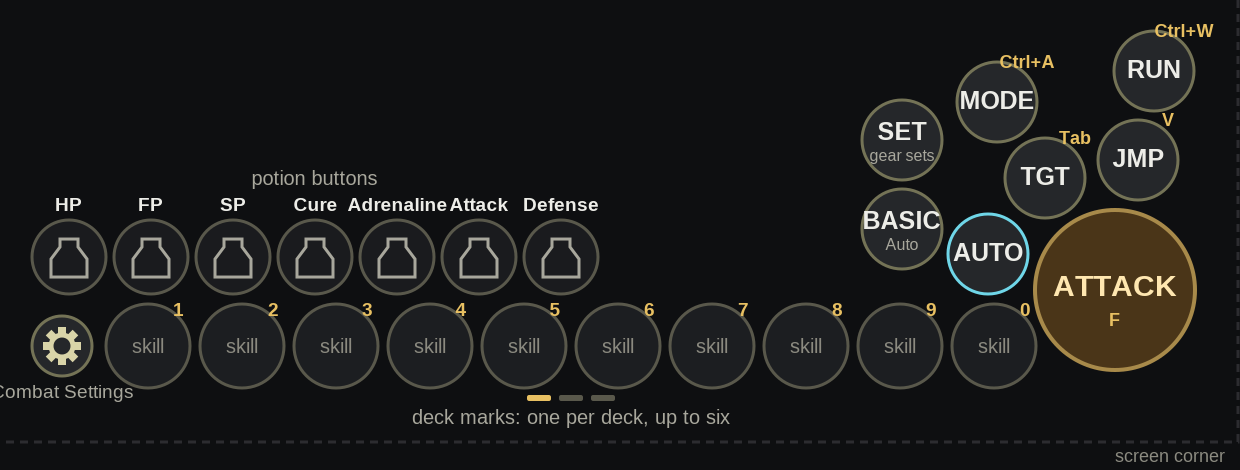
- Tap SET: you put on the other set. A short notice under the top bar names the set and how many parts changed.
- Hold SET for 0.5 seconds: a small "Gear sets" panel shows both sets; tap the one you want. A tap anywhere else closes it.
- Every part goes on at once, in one step. Your defence, the equipment board and the mount cell follow.
- SET shows the number of the set you wear, in gold, when what you wear is that set.
The marks on SET
Small marks on the button tell you what the other set will change before you tap:
| Mark | The other set |
|---|---|
| a blade | holds another weapon |
| a sled | puts a mount on |
| a flame | holds a booster cloak |
The rules
Not while you are:
- dead;
- casting a skill or force;
- riding a MAU (SET is hidden then, the cockpit takes its place);
- in a shop or trader window: "close the shop or trader window first.";
- getting on or off a mount.
Riding a mount while you switch to a set whose mount slot is empty: you stay on your mount.
A refused part does not stop the rest. Everything else goes on, and a red line names the part that stayed and why, with the numbers. For example:
Shown in the gameNot changed: ...: Unable to equip items : Low skill level – the item needs level 70, you are level 62.
A part you sold or dropped is reported as not in your bag.
Where the sets are kept
Your sets are kept on your own PC or phone. On another device you save them again. Every part is still checked by the game when you switch: a set can never put on an item you cannot wear.
System > Game > Convenience > Gear Set Button: Show / Hide shows or hides SET. Hiding it keeps your sets.
Tips
Related: Combat basics, Combat Settings.